For attendees
Return to an idea, catch up on an approved presentation from another session, or find the content you wanted to revisit after the event.
VIRLOHUB EVENT LIBRARY
Access event content on demand.
A session can spark an idea worth coming back to. Give attendees a secure place to find and revisit presentations, with access to the content approved for sharing.
Browse by event day or search for a presentation, speaker or topic. Session times and rooms keep everything connected to the programme.
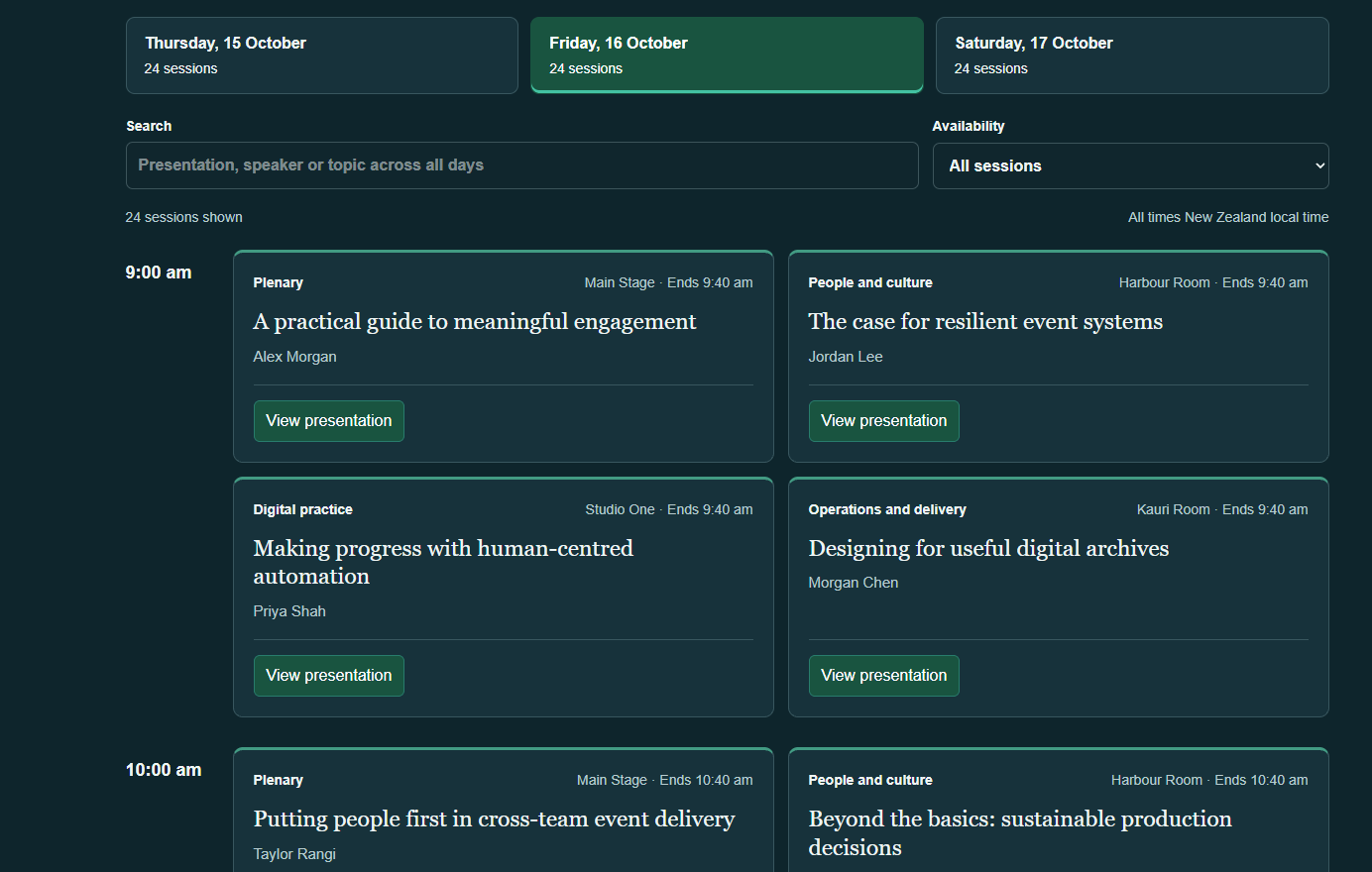
Return to an idea, catch up on an approved presentation from another session, or find the content you wanted to revisit after the event.
Give attendees one clear destination for presentations shared from your event, with the programme providing a familiar way to find them.
Choose how your presentation may be shared. Attendee viewing and any permitted downloads follow the sharing approval for that presentation.
PRESENTATION VIEWER
Open an approved presentation in the browser, move through the slides and expand to full screen. The title and presenter stay in view, with a clear route back to the library.
Available content and the access period depend on your event and the presenter’s permissions.
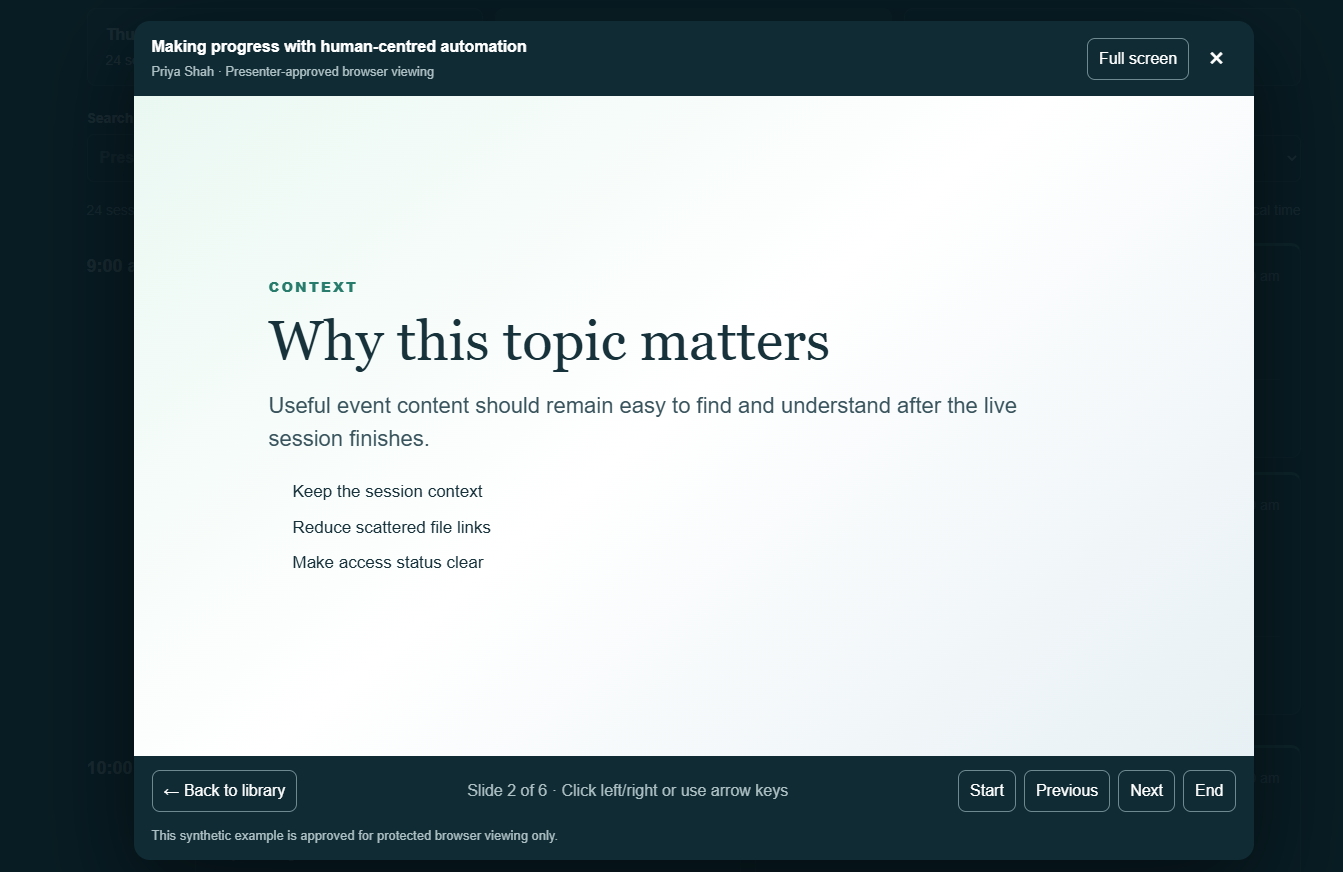
Access is limited to approved attendees and content made available for them. Events are not listed in a public directory.
Open your event invitation or visit the Event Library. Use the email address registered for the event and verify it with the code sent to that address.
No. Presentations appear only after the required sharing permission and publication approval. Some programme sessions may have no presentation available.
Download availability depends on the presenter’s permission and the options enabled for the event. Permission to view a presentation does not automatically include permission to download it.
The event’s access period applies, which is set by the organiser of the event. Signing in does not provide permanent access or access to other events.
Contact hub@virlo.nz for help with sign-in or library access.
Talk to us about including the Event Library in your next event.